
Video cut
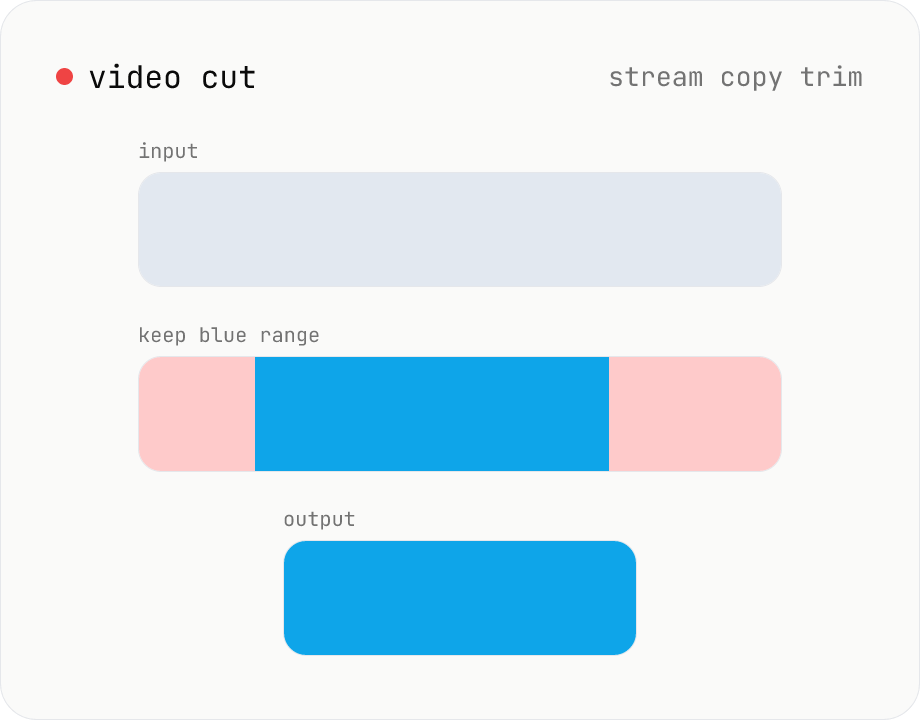
Trim a video to a chosen range with ffmpeg.wasm using stream copy — no re-encoding, no quality loss, original codec and extension preserved. Cut points snap to the nearest keyframe so the start may shift slightly. Supports batch processing and a single ZIP download.
Related tools
Video EXIF strip
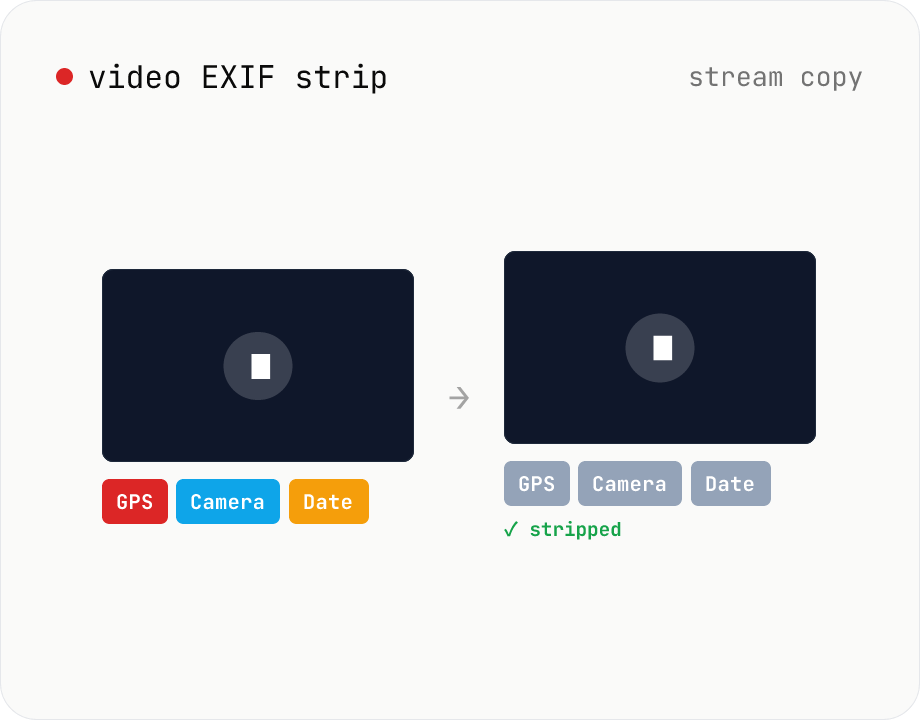
Strip metadata (EXIF / GPS / capture date / etc.) from video files entirely in your browser using ffmpeg.wasm. Uses stream copy so the codec, quality and file extension are preserved (no re-encoding). Supports batch processing and a single ZIP download. Videos never leave your device.
Video mute
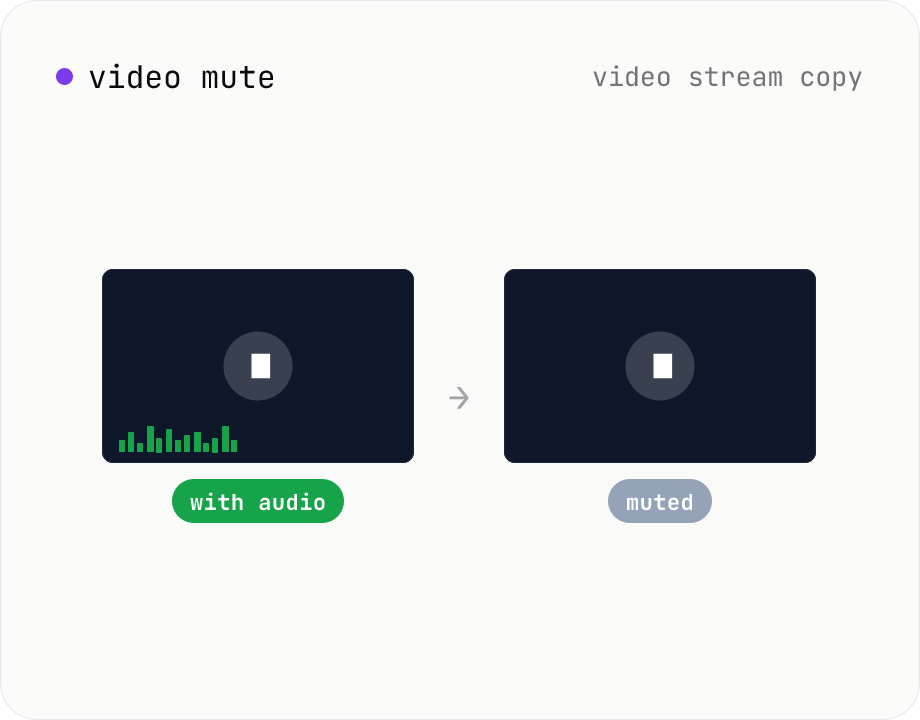
Drop the audio track from a video using ffmpeg.wasm, keeping the original video codec and quality intact (stream copy, no re-encoding). Supports batch processing and a single ZIP download. Videos never leave your device.
Video format convert
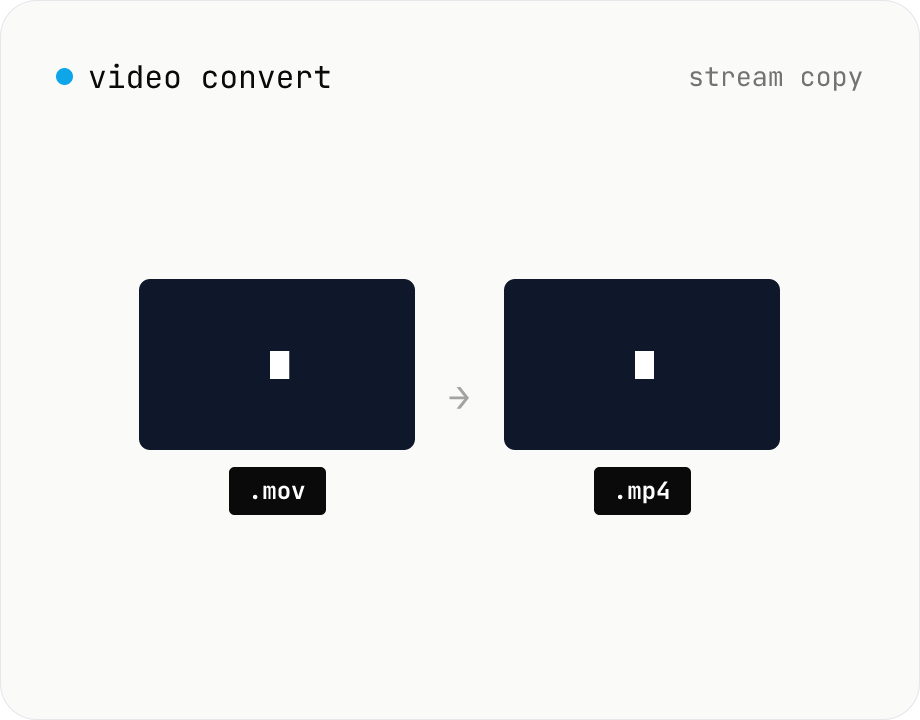
Change the video container (e.g. mov → mp4) without re-encoding by using ffmpeg.wasm stream copy. Works for codec-compatible combinations only. Supports batch processing and a single ZIP download.